Accessible PDFs
Accessibility
WCAG
PDF/A
PAC
Screen readers
Government
Clear, user-friendly and compliant with WCAG
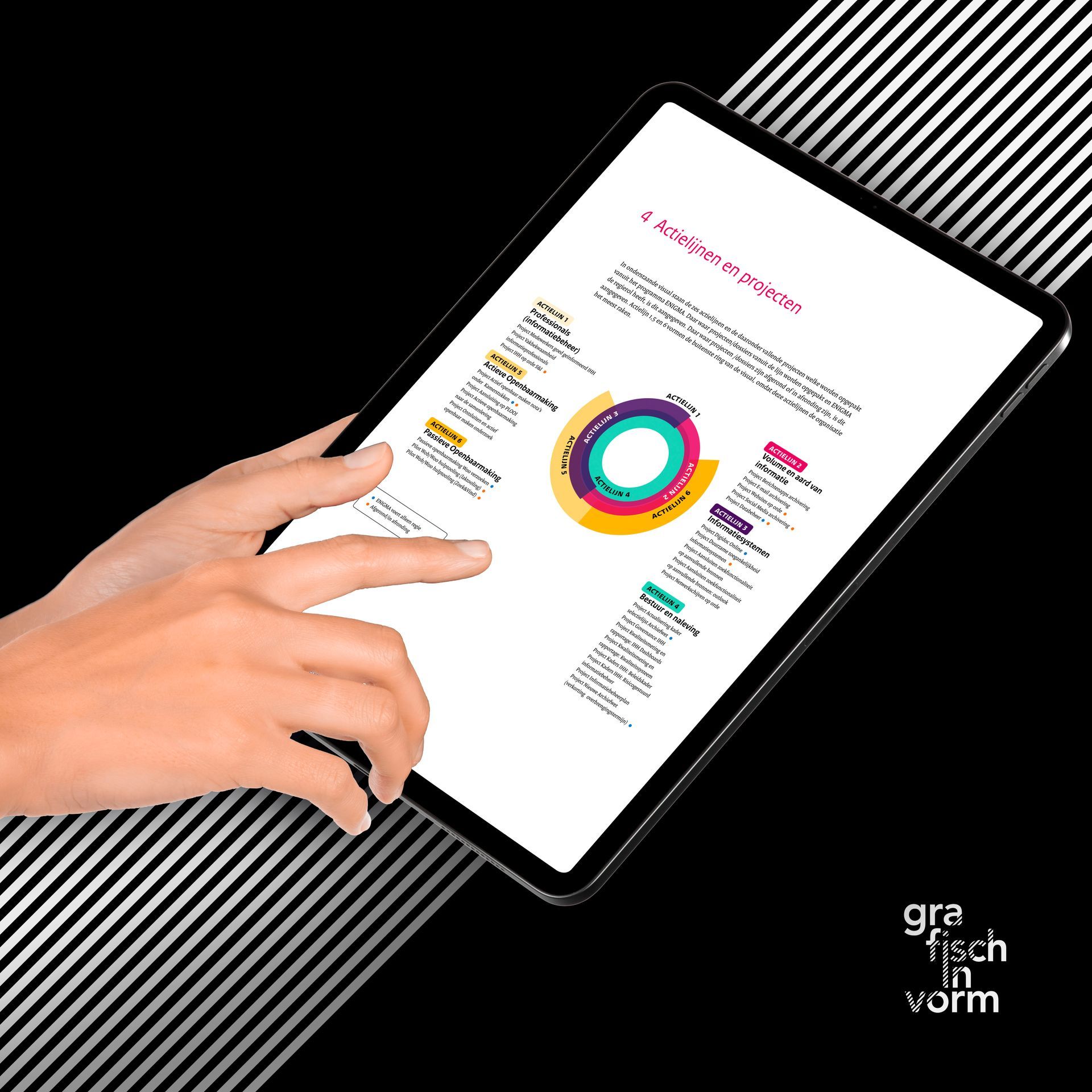
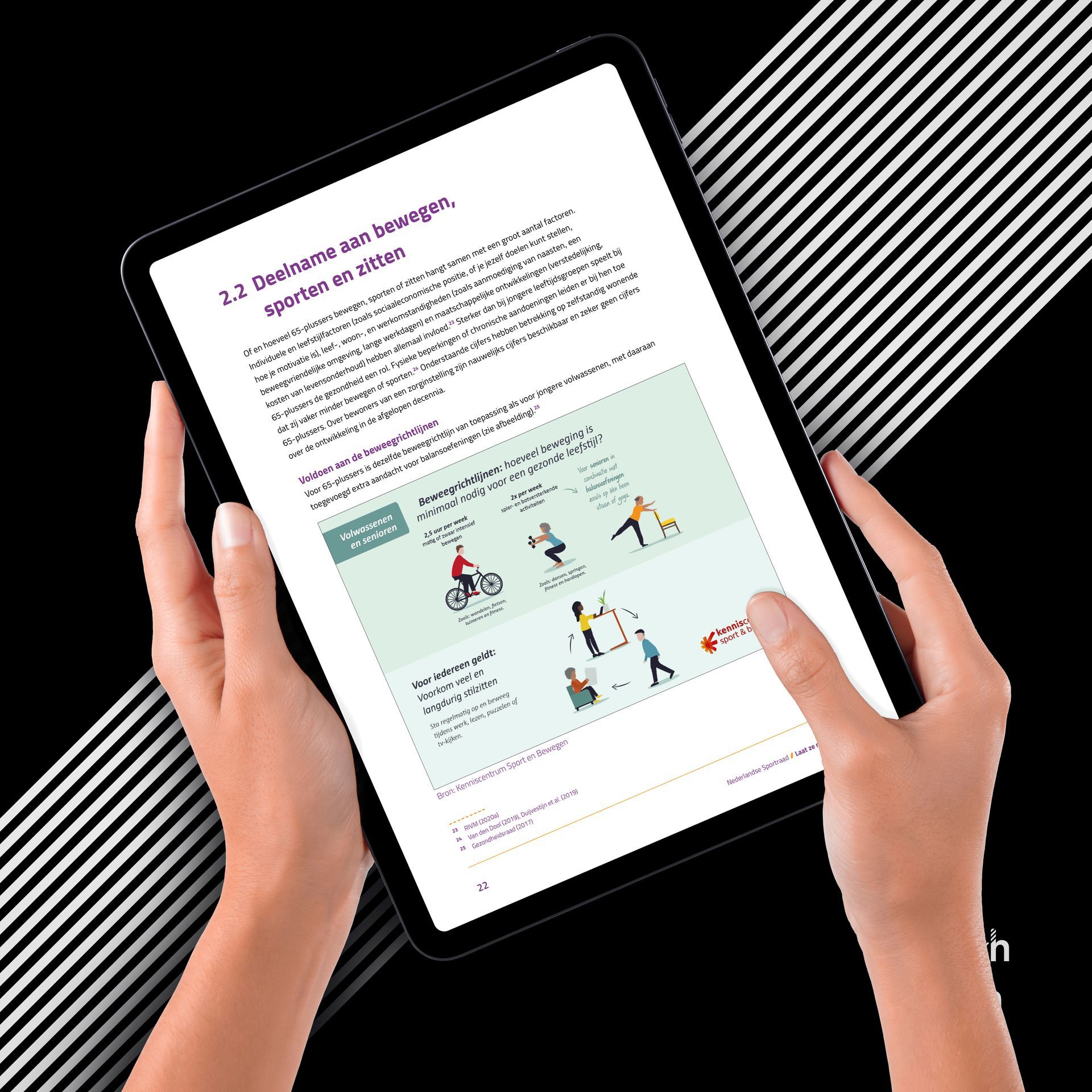
An accessible PDF is more than just a well-designed document. It is a digital file that can be read and navigated by everyone — including people with visual or motor impairments.
By applying the correct technical structure, such as headings, tags and alternative text, information becomes clear and usable with assistive technologies like screen readers. This ensures the content is not only visually strong, but also functionally accessible to a wider audience.
Accessible and well-designed
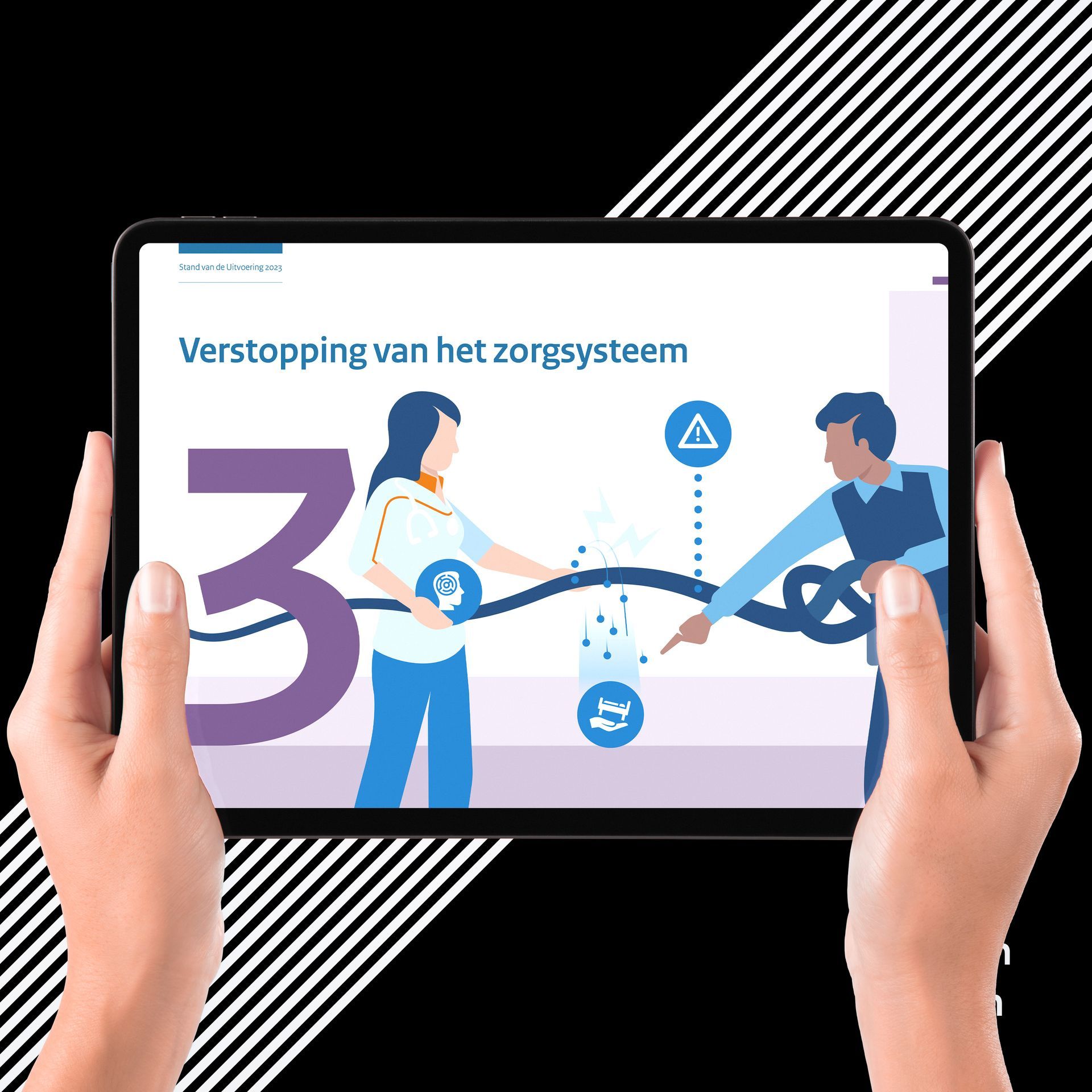
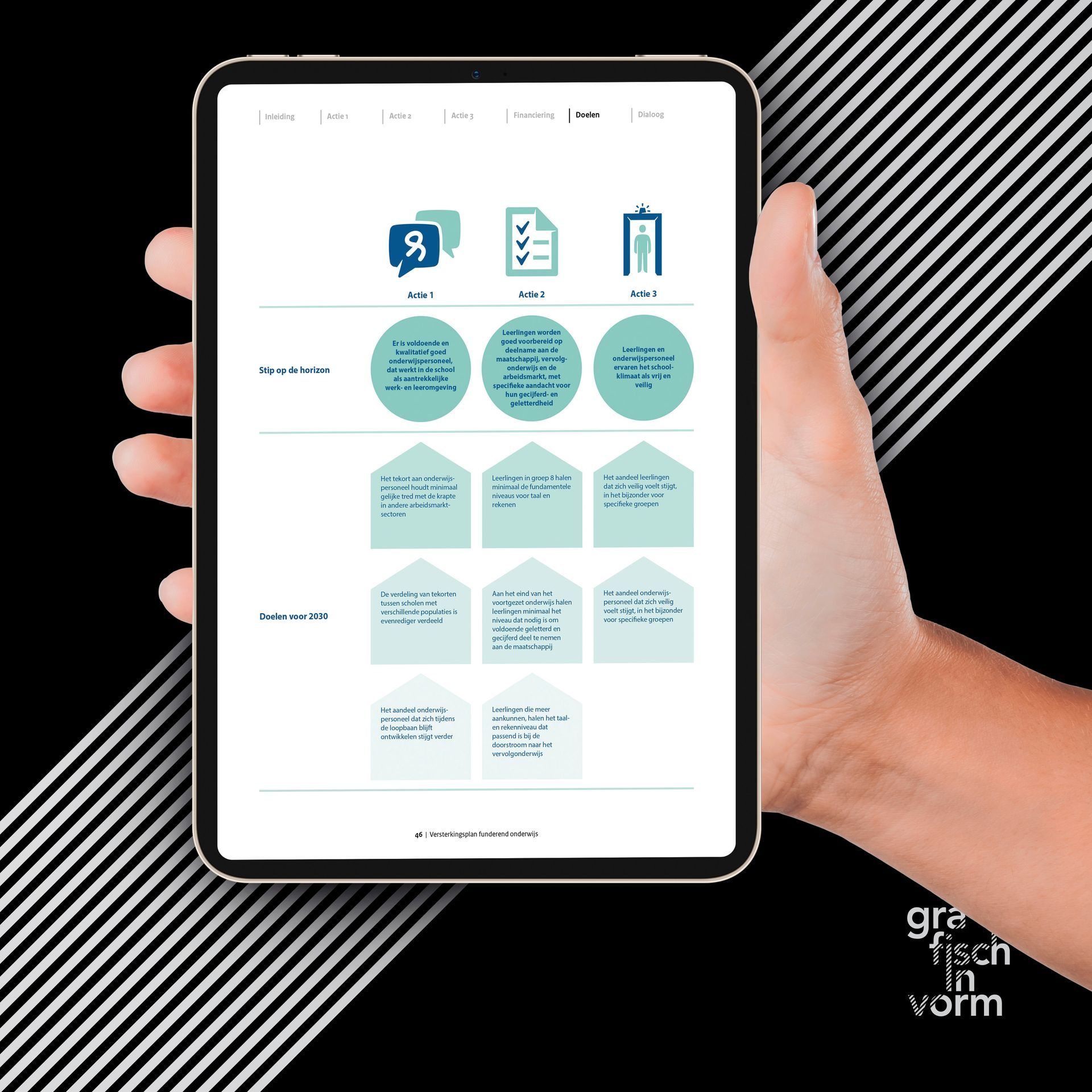
More and more organisations – including government bodies, design agencies and companies – are required to provide their documents in an accessible format in line with WCAG 2.1 guidelines.
This means a PDF must not only look good, but also be technically structured correctly. Think of a logical document structure, proper tagging and meaningful alternative text.
I ensure that PDFs comply with international WCAG 2.1 and PDF/UA standards, without compromising on design. Accessibility and strong visual design go hand in hand.
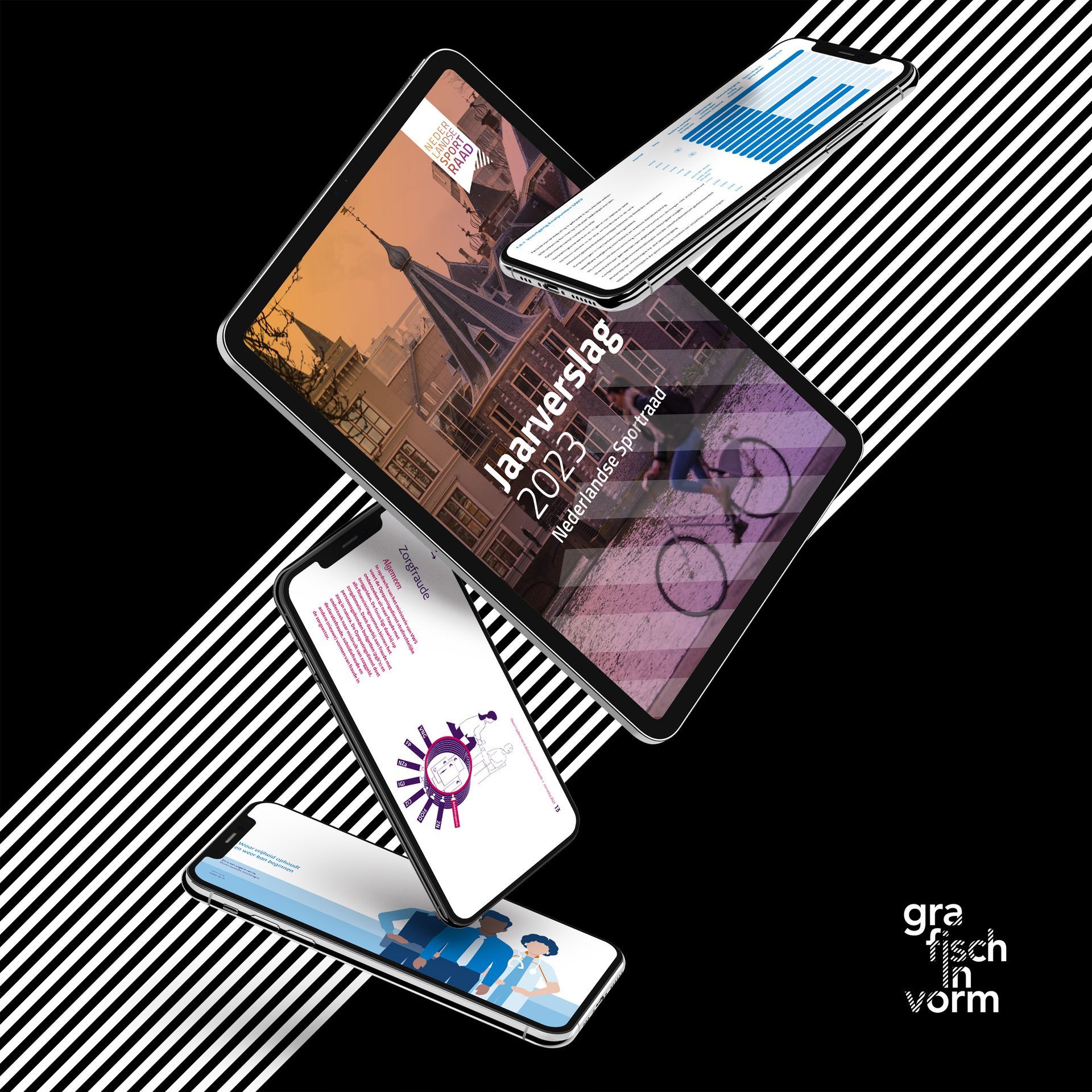
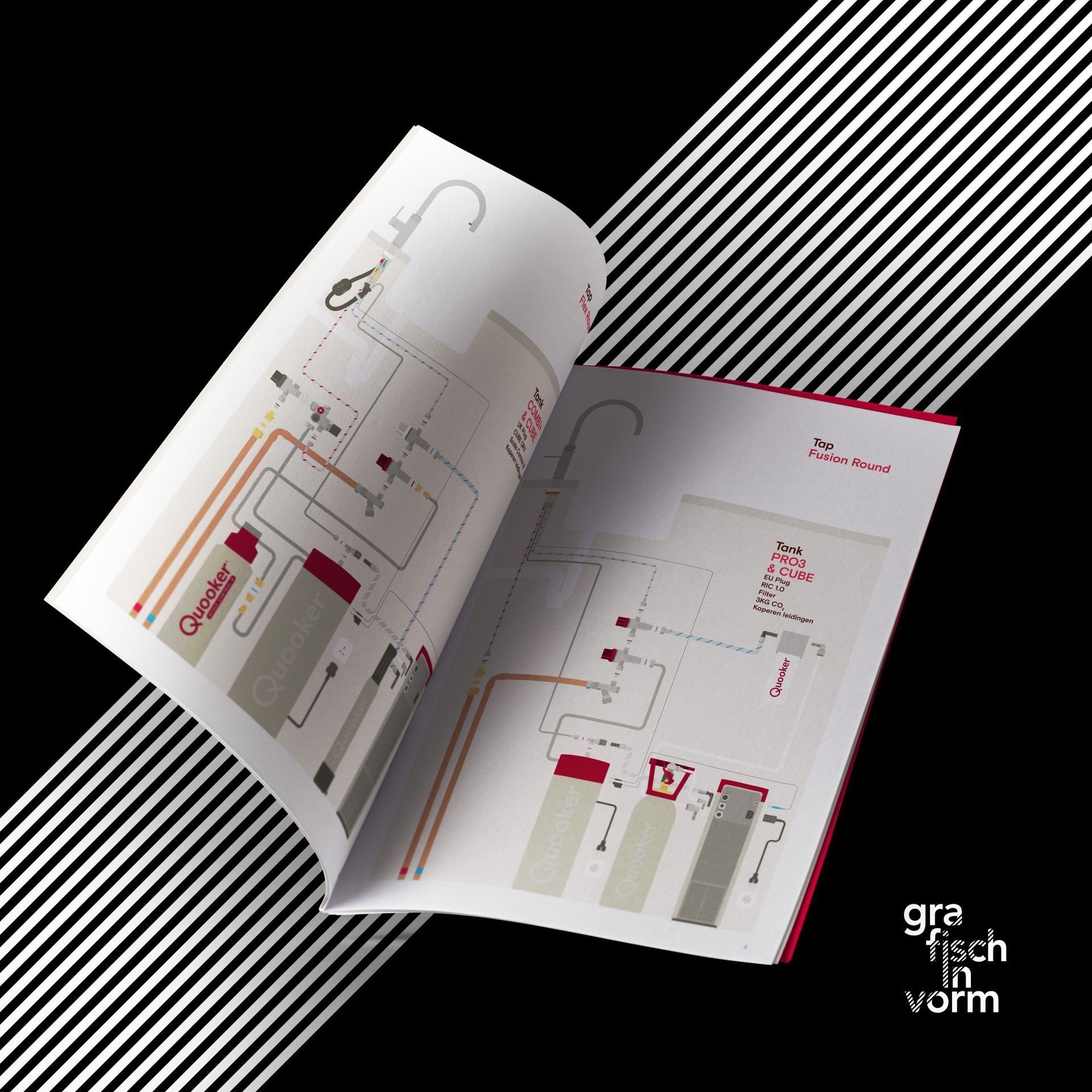
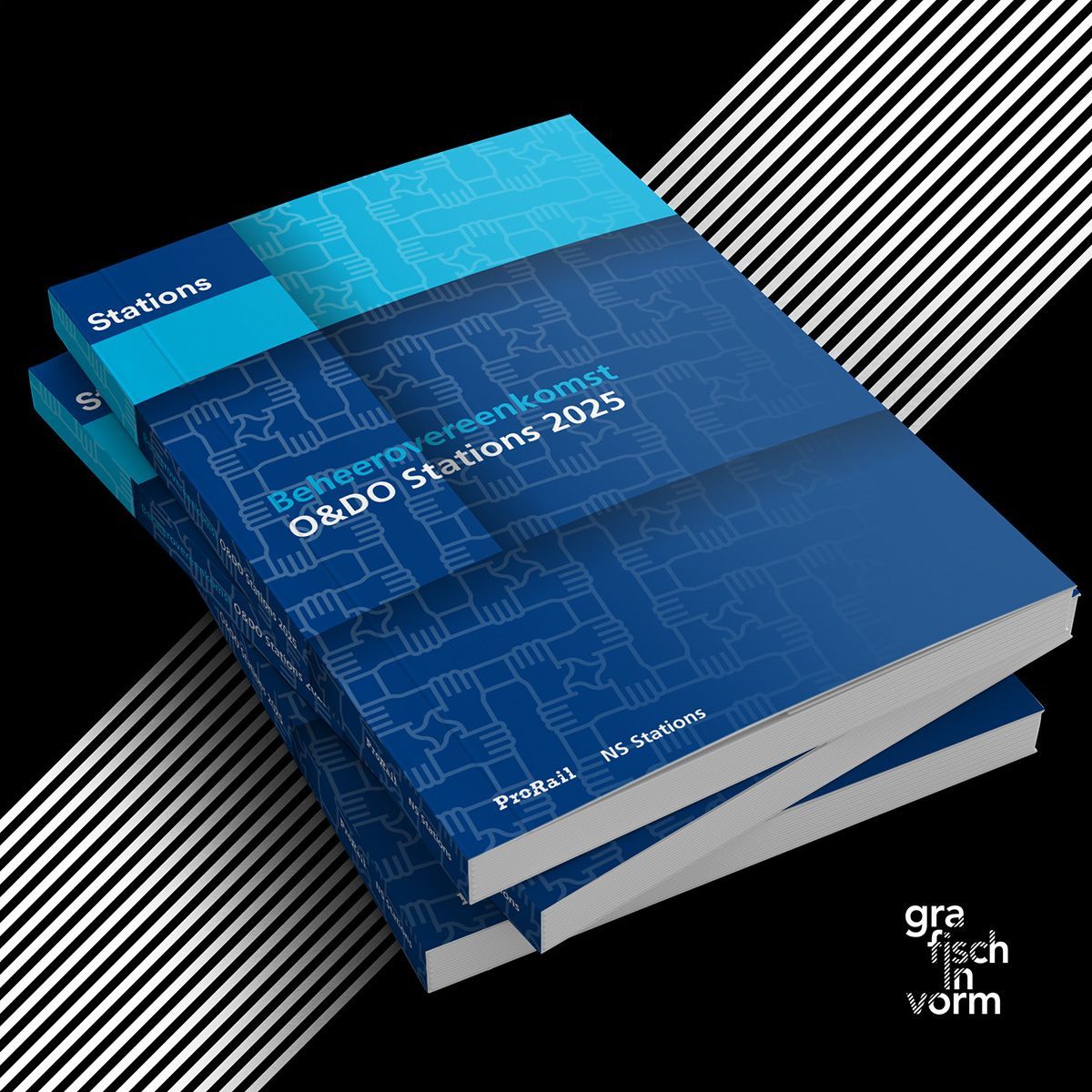
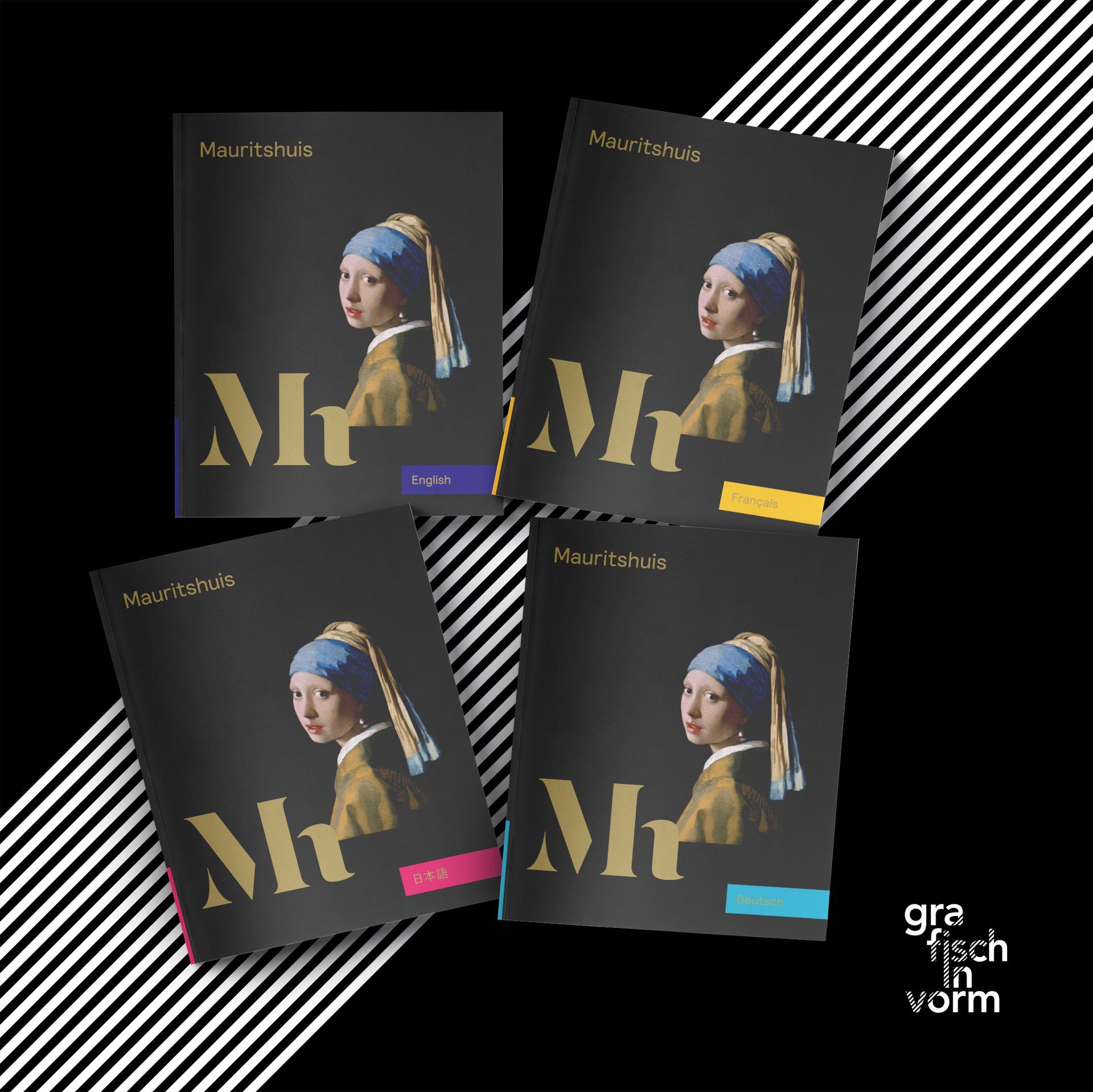
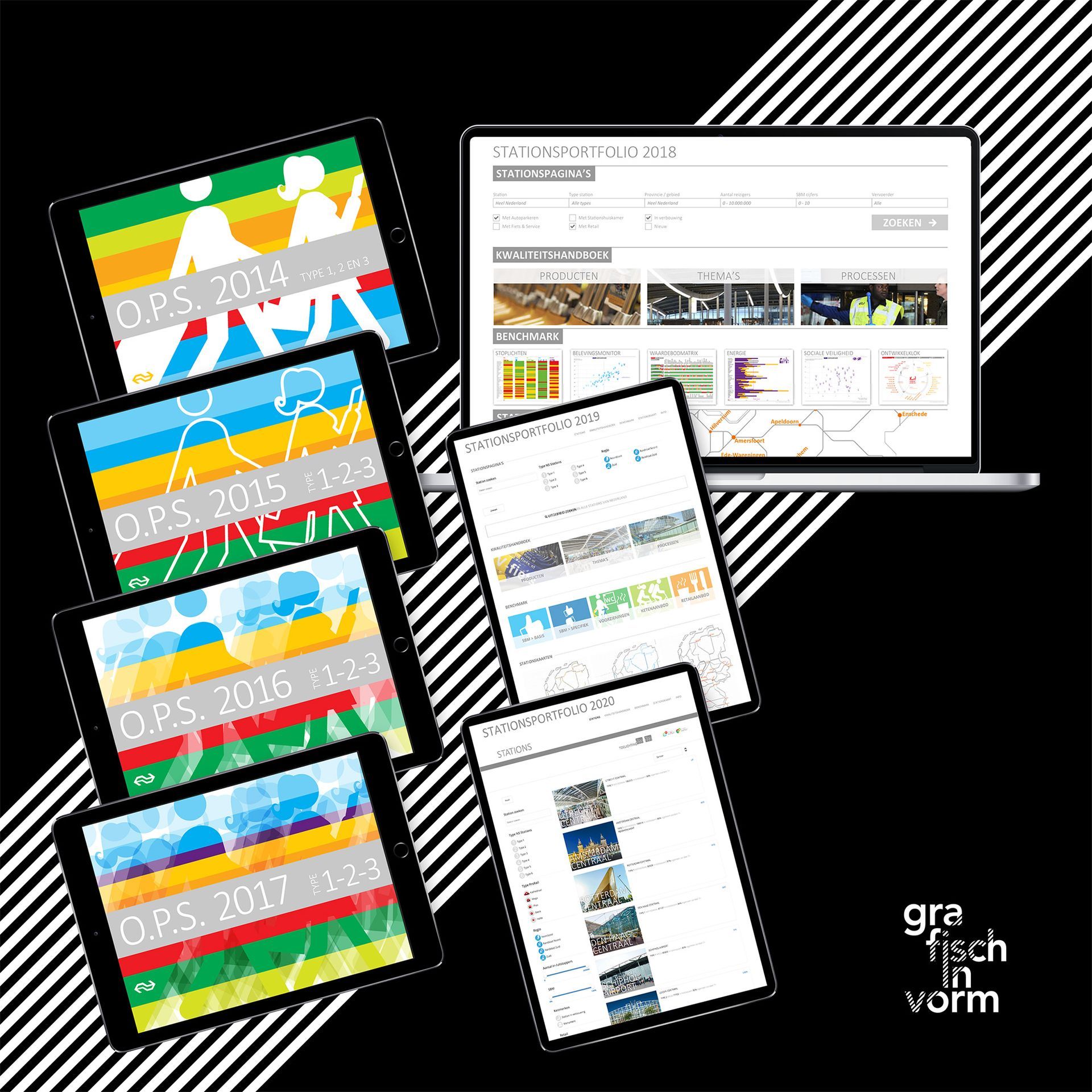
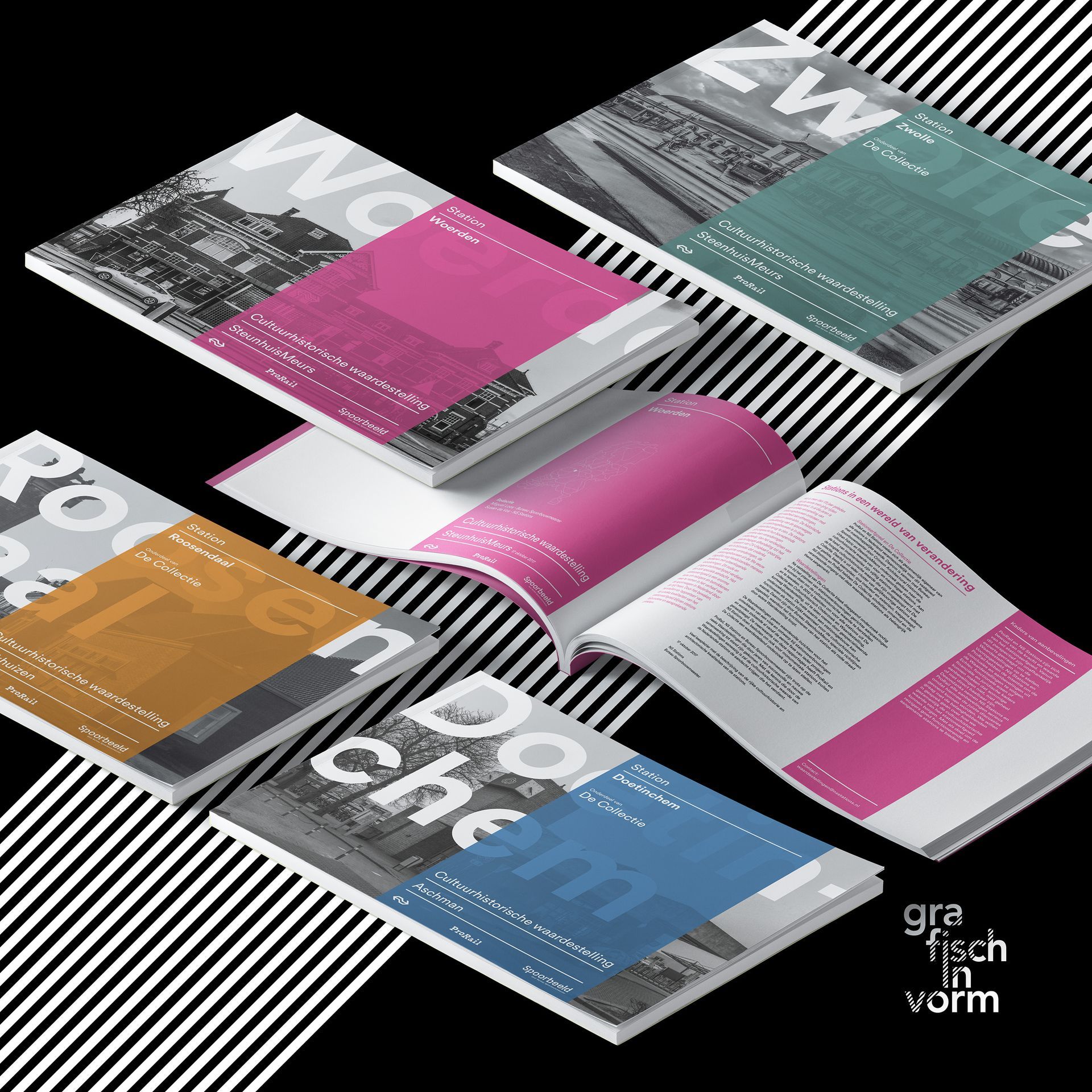
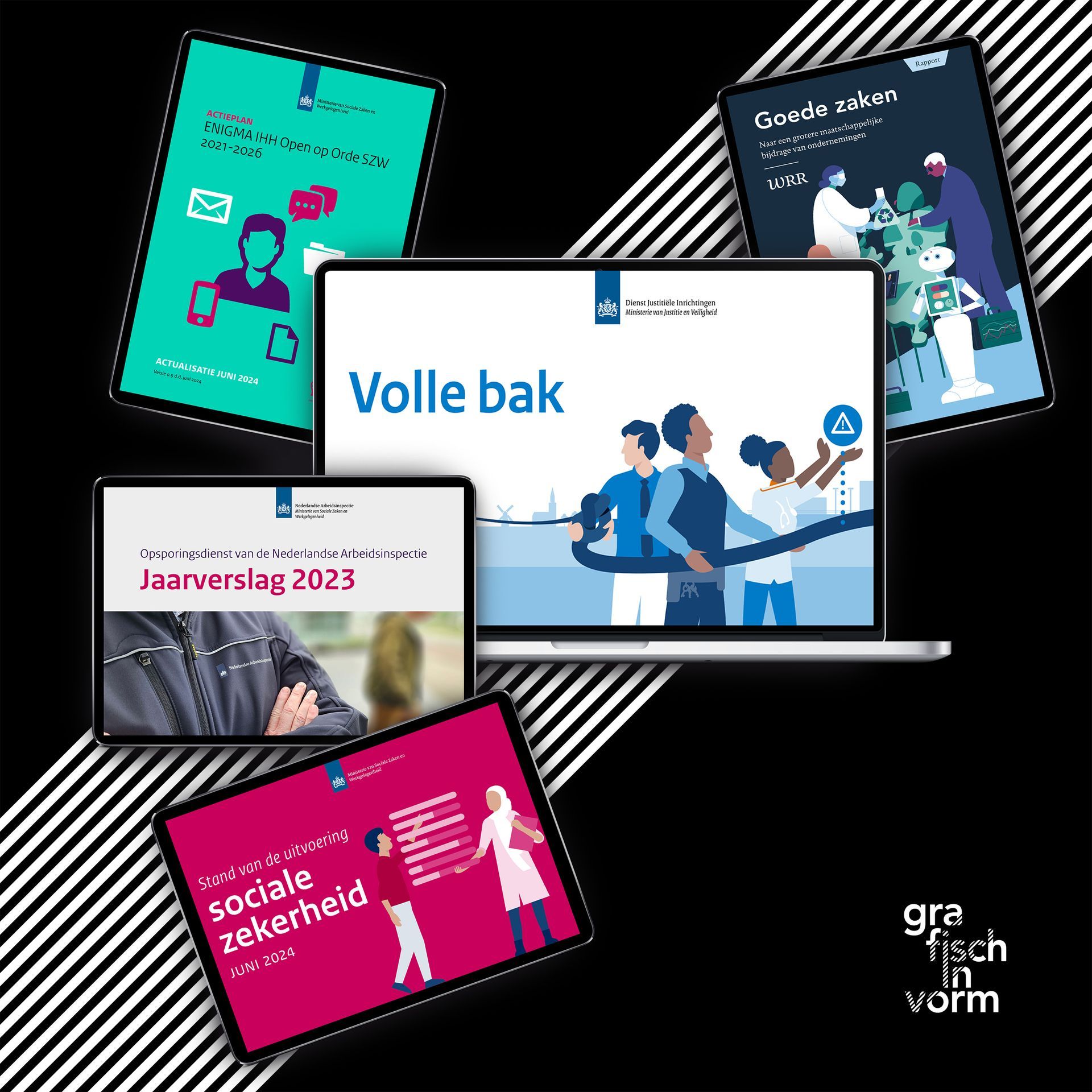
I work with government organisations and clients such as NS Stations, Shell and Quooker, where accessibility and consistent design are essential.
What makes a PDF accessible?
An accessible PDF has a logical, semantic structure. The layout does not only define how something looks, but also what it is. This allows a screen reader to recognise headings, body text and tables correctly.
To achieve this, I add or carefully check elements such as:
- Proper tag structure (headings, paragraphs, lists and tables)
- Alternative text for images and graphics
- Correct reading order and keyboard navigation
- Bookmarks for easy navigation
- Language settings and metadata
Validation and testing
(PAC / PDF Accessibility Checker)
An accessible PDF should not only be well structured, but also demonstrably compliant with accessibility standards. That is why I validate and test my PDFs using specialised tools.
I use the PAC 3 (PDF Accessibility Checker) to verify whether a document meets the PDF/UA standard (ISO 14289). PAC analyses aspects such as tag structure, reading order, alternative text and the overall semantic structure of the document.
In addition, I use Adobe Acrobat Preflight for further technical checks and optimisations.
By combining these tools with manual review, I ensure that each PDF is not only technically correct, but also works properly with screen readers and other assistive technologies in real-world use.
This results in PDFs that demonstrably comply with accessibility standards and are immediately usable for a broad audience.
Why it matters
- Legal requirements: Government and semi-government organisations must comply with WCAG 2.1 AA standards.
- Professional quality: Accessible documents show attention to detail, quality and inclusivity.
- Better usability and discoverability: A well-structured PDF is easier to search, more readable on mobile devices and better indexed by search engines.
- Future-proof: Accessible PDFs remain compatible with evolving technologies and assistive tools.
How I work
As a technical graphic designer, I combine visual design with in-depth knowledge of PDF structure and accessibility.
I work with InDesign, Acrobat Pro and tools such as the PDF Accessibility Checker (PAC) to create accessible documents or remediate existing PDFs. I always take both WCAG requirements and the visual identity of the organisation into account.
Want to know more?
Would you like to know if your PDFs meet accessibility standards, or how to integrate accessibility into your workflow? Feel free to get in touch for a no-obligation check or advice.